 QuietDrive
Features
A closer look
at QuietDrive.
Everything the app can do today, from a quick look at your battery to planning a longer trip. Each screenshot comes straight from the iPhone beta.
Screenshots show sample data. Features vary by MG model, account region and platform.
Sample data
Your car at a glance
Everything that matters.
The moment you look.
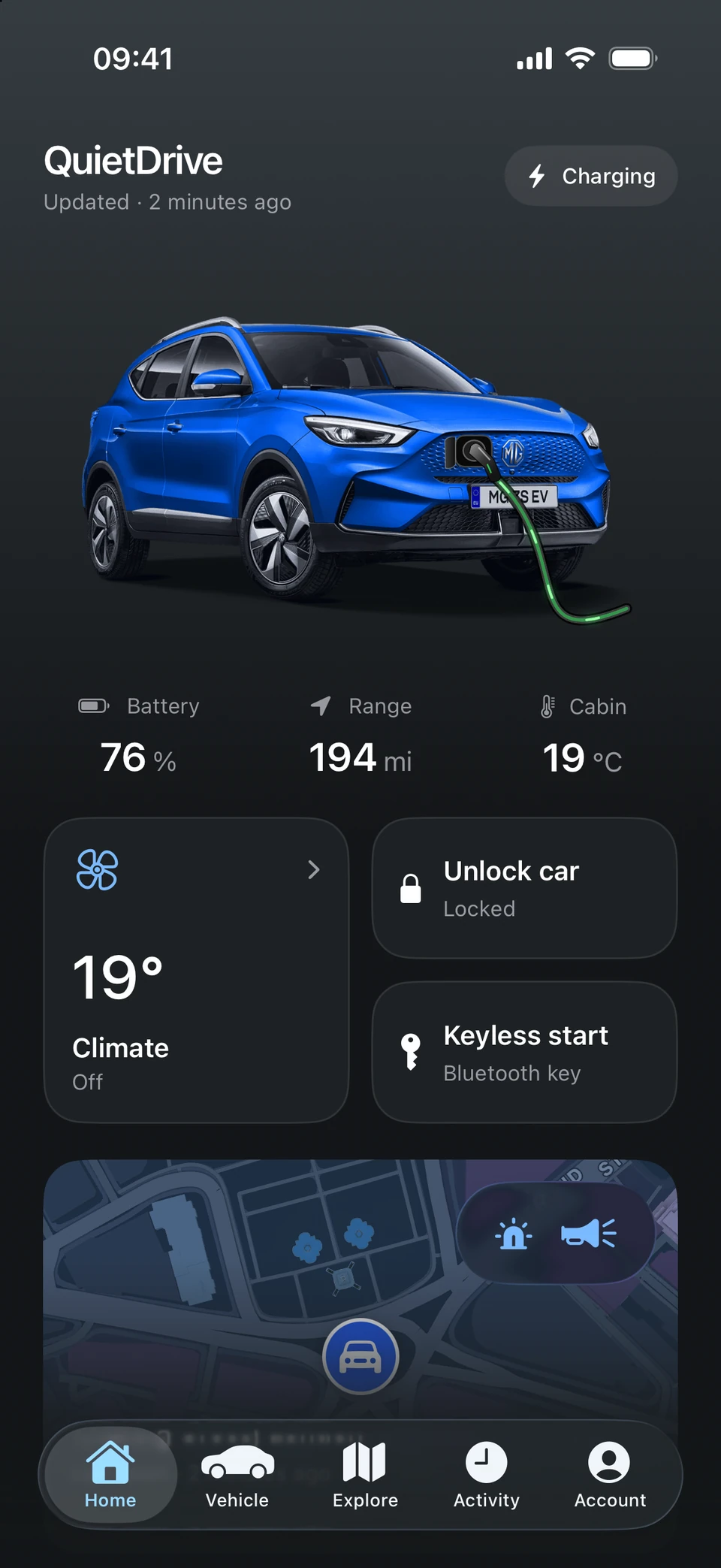
Battery, range and cabin temperature as soon as you open the app, with the time of each reading so you always know how recent it is. Pull down when you want a fresh one.
- Battery, range and charging status
- Lock or unlock with Face ID, where supported
- A Home Screen widget for a quick check
Sample data
Vehicle status
Doors, windows,
tyres and lights.
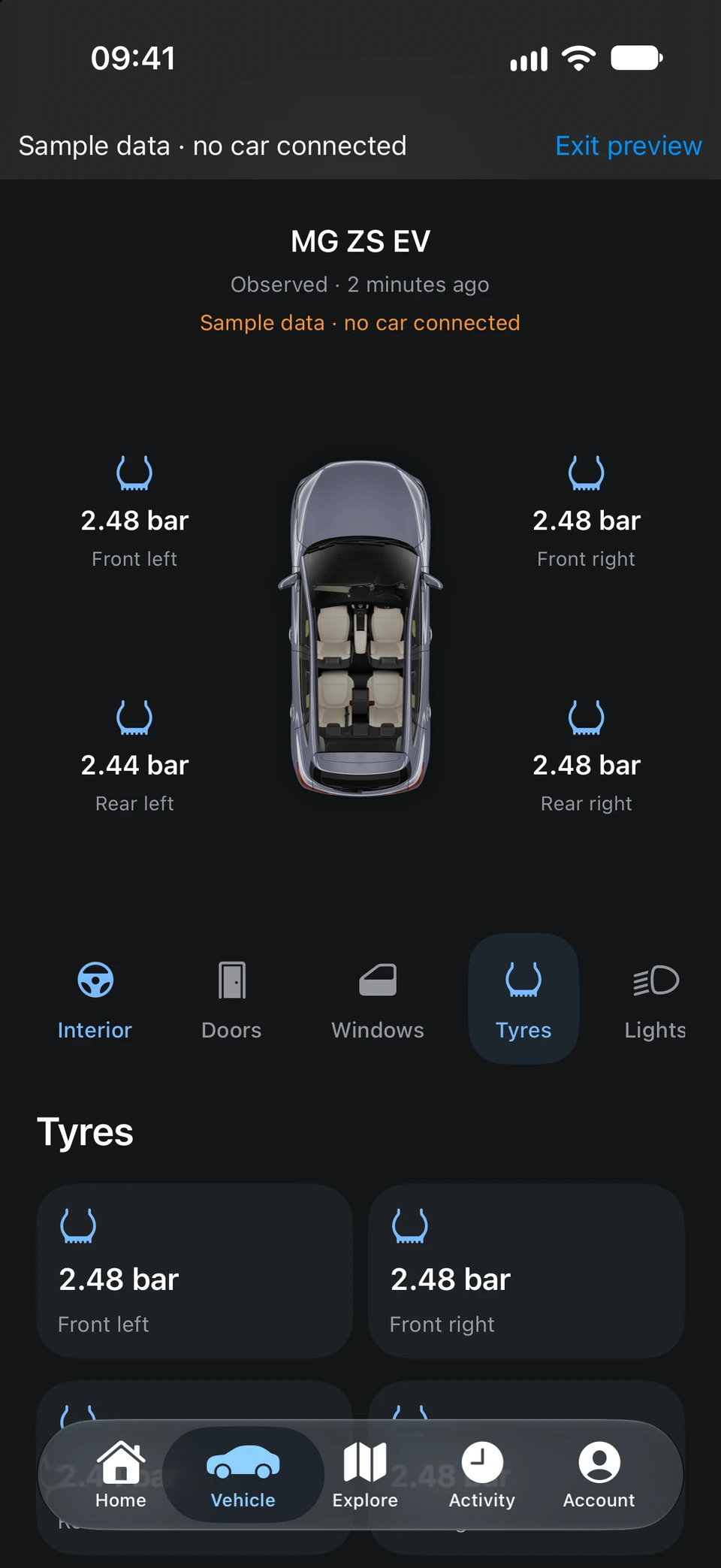
A top-down view of your car shows what it last reported. See at a glance whether the doors are shut, the windows are up and the lights are off, and check each tyre’s pressure before a long drive.
- Tyre pressure for every wheel
- Doors, windows, boot and lights
- Every reported value in one place
What your car reports varies by model and region.
Sample data
Climate
Step into
a comfortable car.
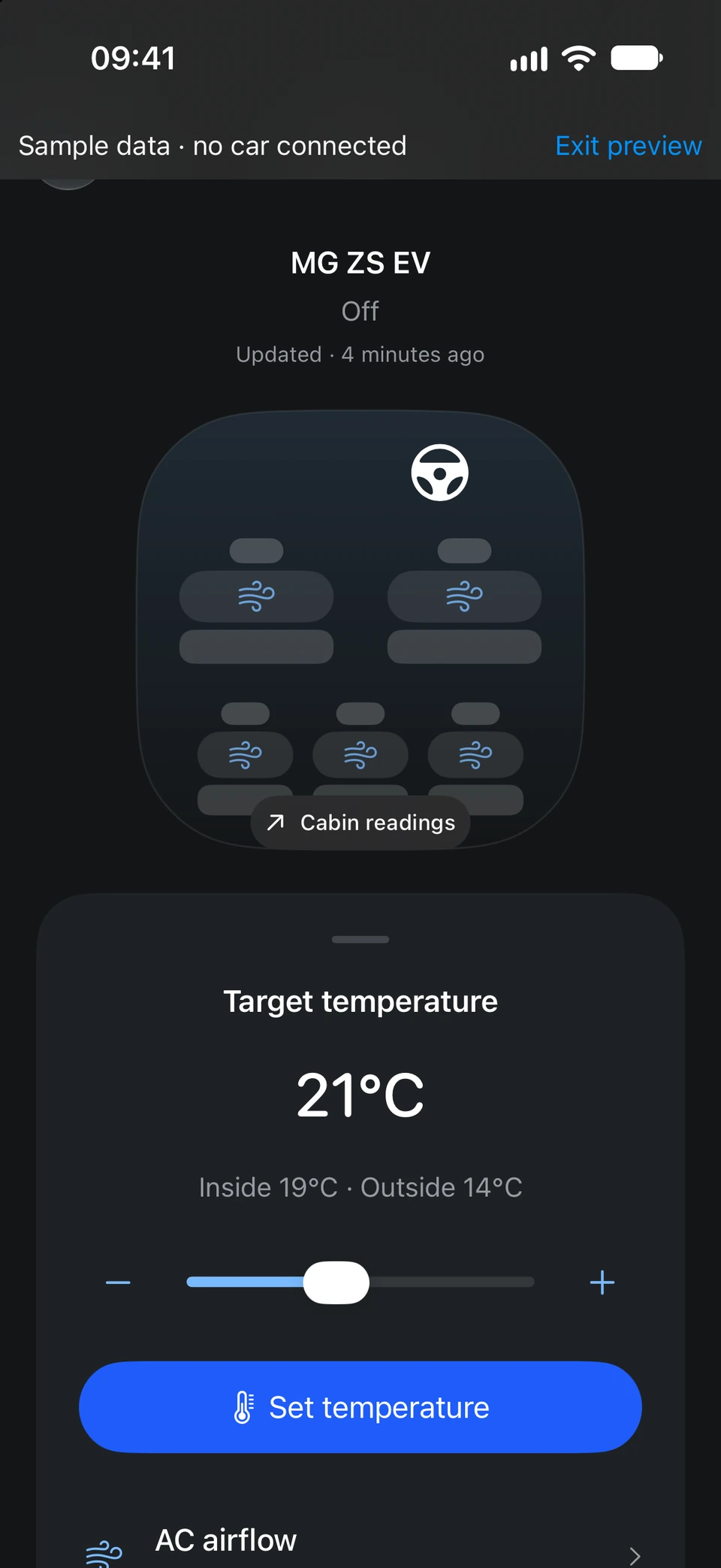
Set the temperature and warm up or cool down the cabin before you leave. See the inside and outside temperature, choose the airflow and schedule climate for your next departure.
- Set a target temperature
- Airflow and front-window defrost
- Scheduled climate for the morning
Controls depend on your car and region, need your approval in the app and can wake the car.
Sample data
Charging
Make sense
of charging.
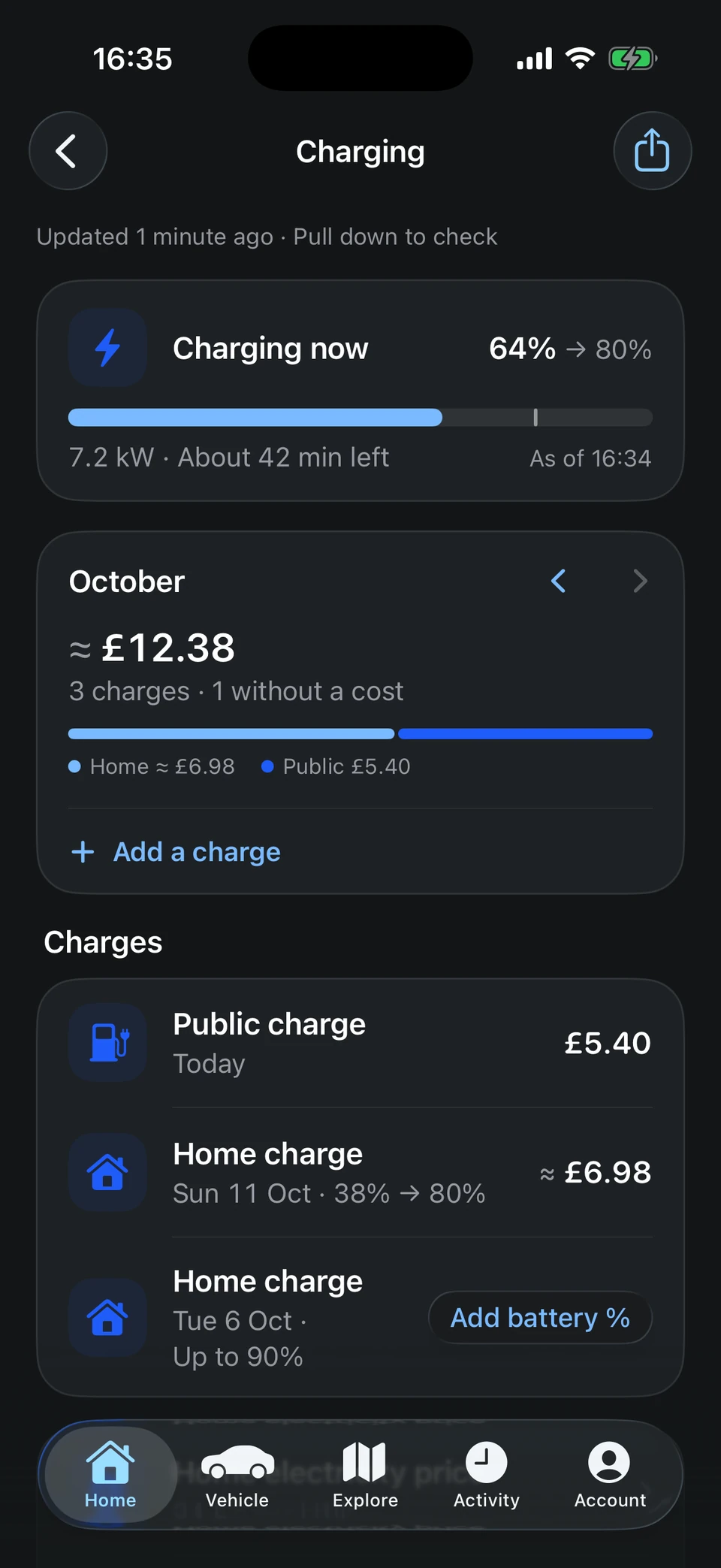
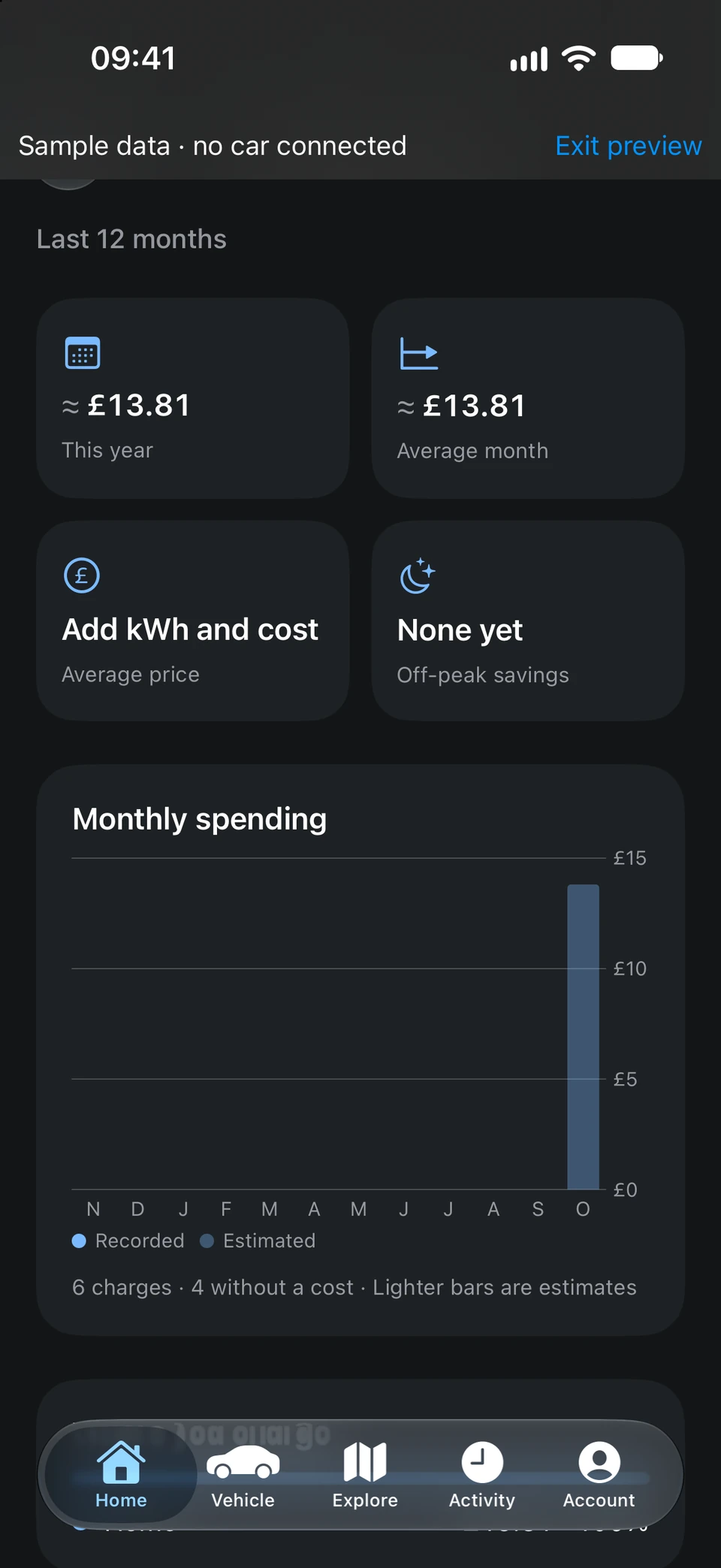
Follow a charge as it happens, then keep every session in one list. Add receipts and battery levels, set your home and off-peak electricity price and see what each month costs.
- Charging progress and time left
- Home, public and rapid charges
- Export your charging records
Costs marked ≈ are estimates from the prices you enter.
Sample data
Charging insights
Know what your
miles really cost.
Charging insights turn your records into trends: spending this year, an average month, your average price and what off-peak charging saves you. Set a monthly budget and see how you’re tracking.
- Monthly spending chart
- Average price per kWh
- Off-peak savings and a monthly budget
A QuietDrive Premium feature, free while QuietDrive is in beta.
Sample route and charging estimates
Trip planner
A trip planner.
Tailored to your car.
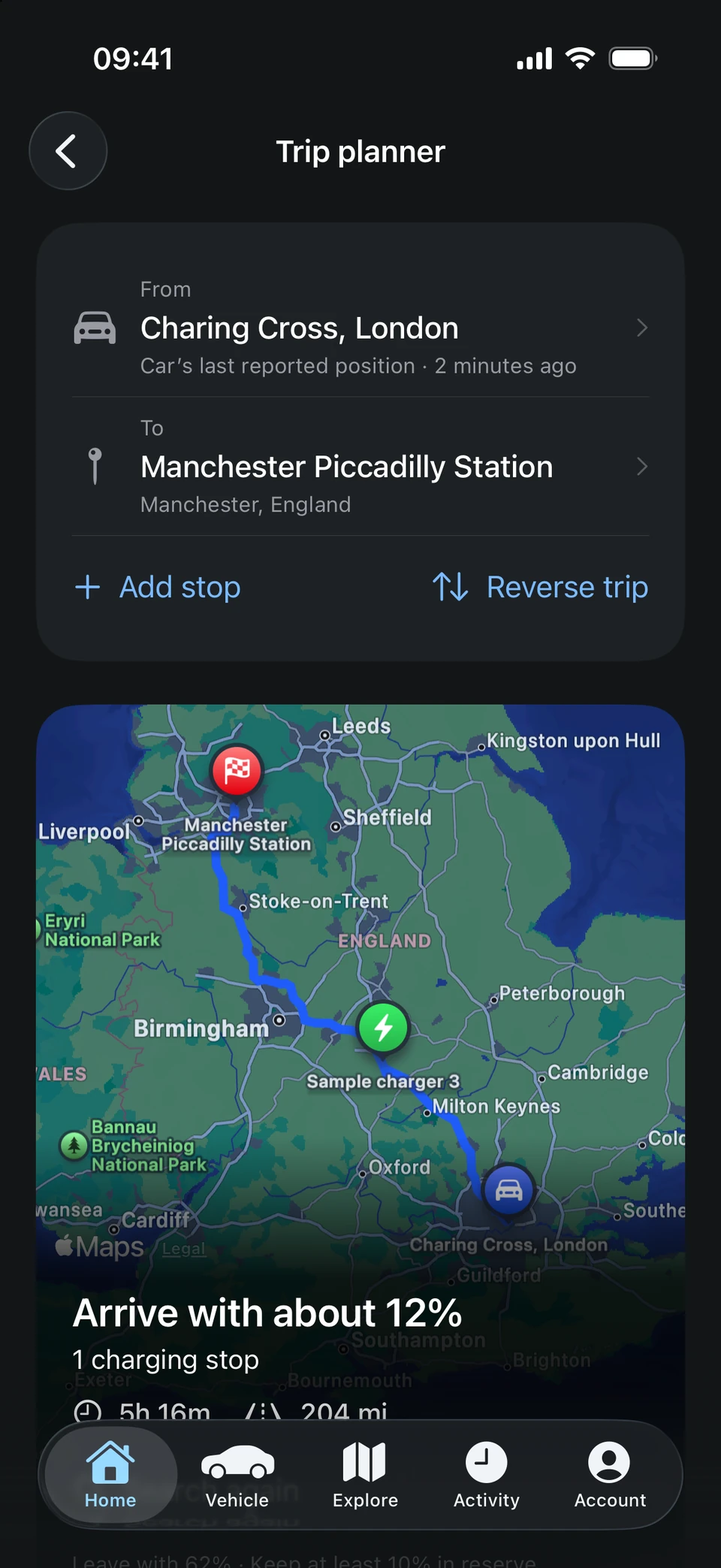
Plan a journey with charging stops that fit your car’s plugs and cable. Add stops along the way and get an idea of your arrival battery, charging time and cost.
- Multi-stop journeys, your way
- Compatible charging locations
- Open directions in your maps app
Estimates are a guide. Check charger details, prices and availability before travelling; live bay availability is not guaranteed.
Sample location
Explore
Find what’s
around you.
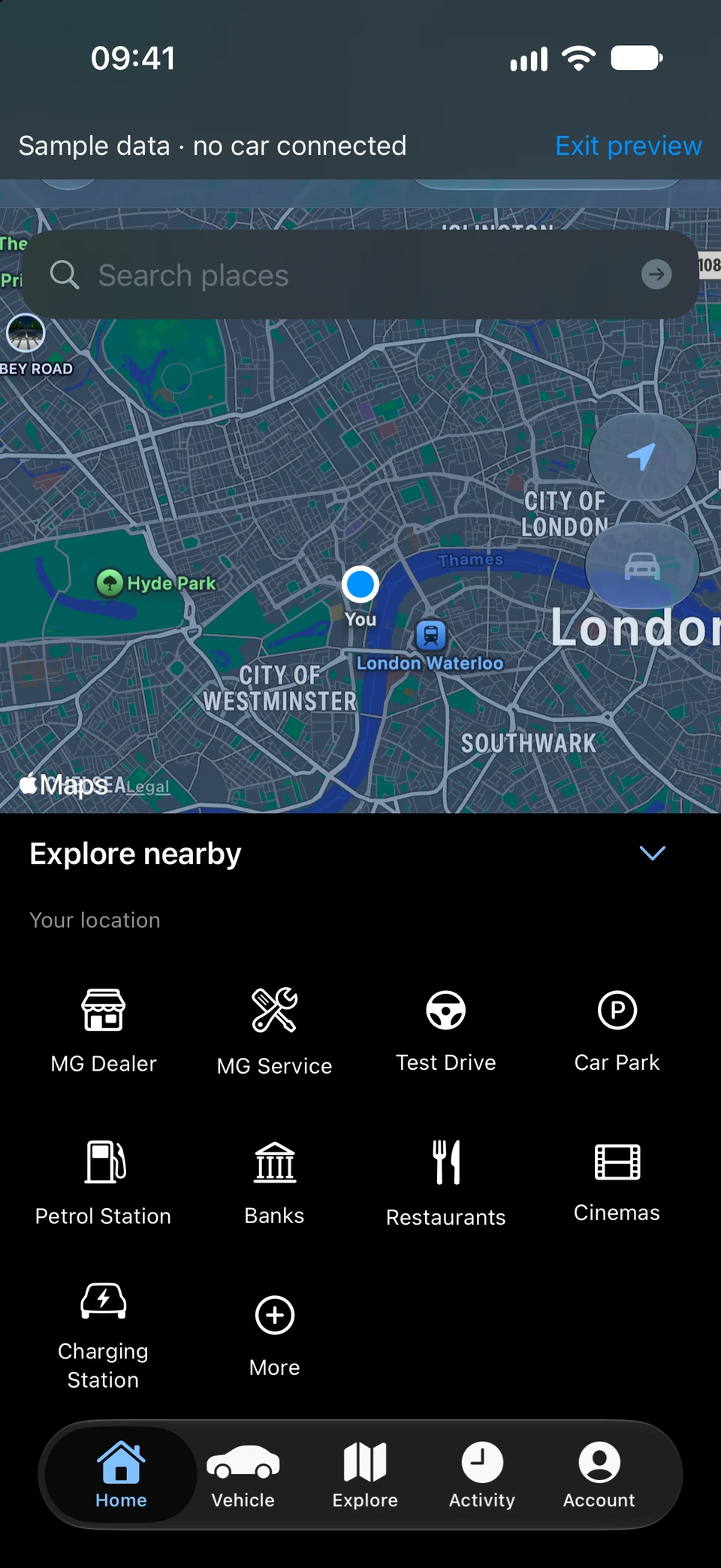
Search the map for MG dealers and service centres, test drives, charging stations, car parks and more. Save the places you use, open directions in your maps app or add a visit to your calendar.
- MG dealers and service centres
- Charging stations nearby
- Saved places and calendar visits
Places come from Apple Maps. Check the operator for connectors, prices and live availability.
Sample data
Activity
Your journeys
and charges.
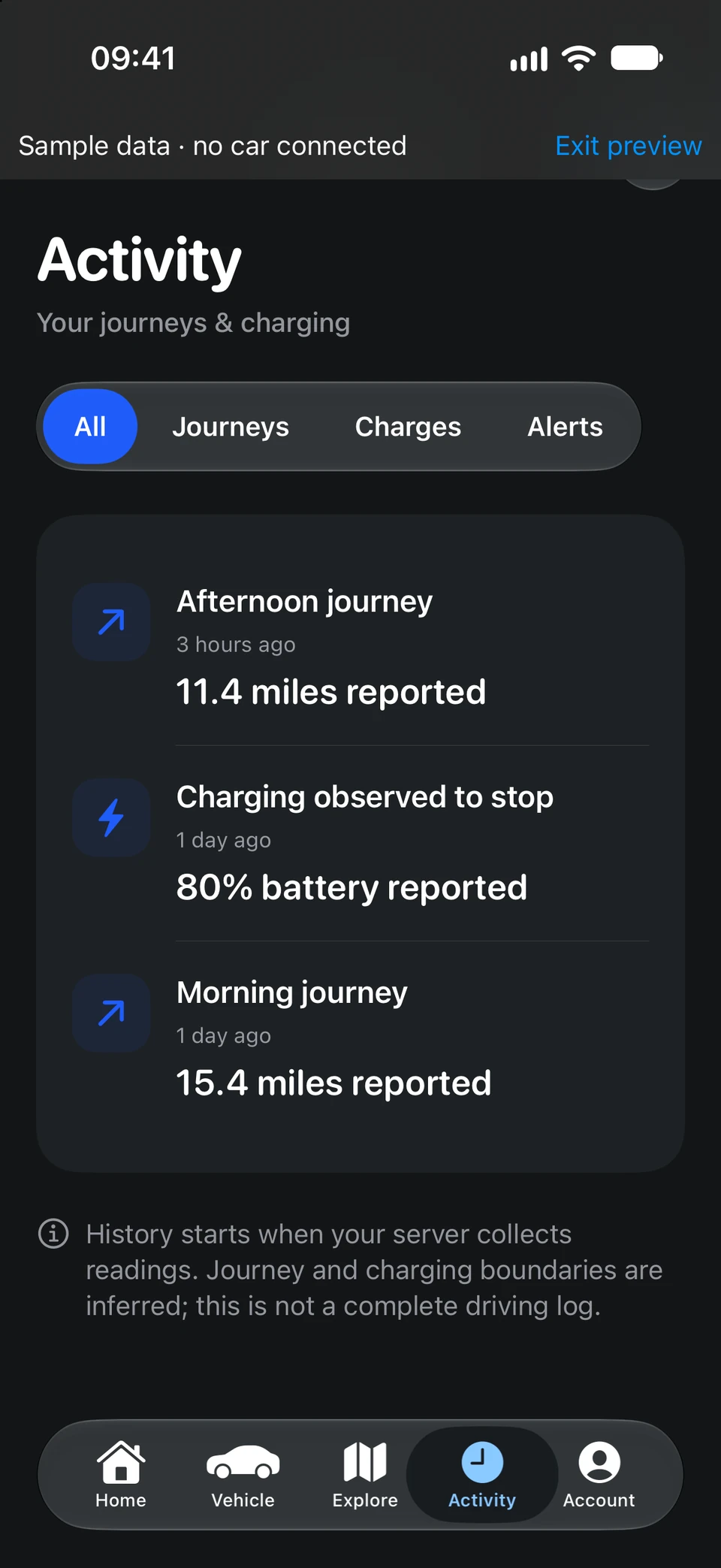
Activity brings together the journeys, charges and alerts QuietDrive has seen, so you can look back at when you drove, how far you went and how much you charged.
- Filter by journeys, charges or alerts
- Distance and battery for each
- Export your history
Journeys and charges are inferred from readings, so this isn’t a complete driving log.
Sample records
Ownership folder
Keep ownership
organised.
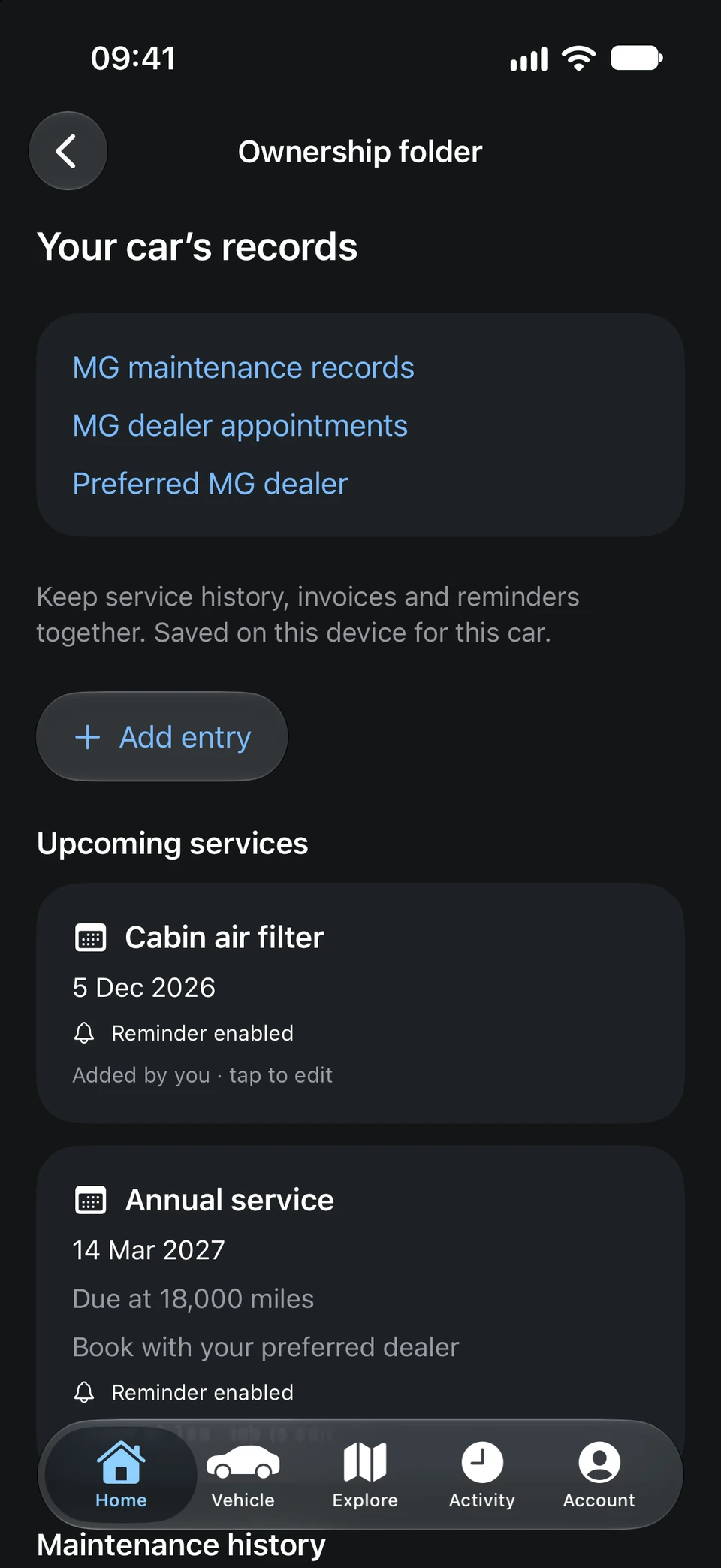
Service history, upcoming work, costs, invoices and documents, saved on your iPhone for each car. Add a reminder and QuietDrive lets you know when something is due.
- Service records and reminders
- PDFs and photos of your documents
- Export a service history PDF or back up
From the app
Roadside help
Help, right
when you need it.
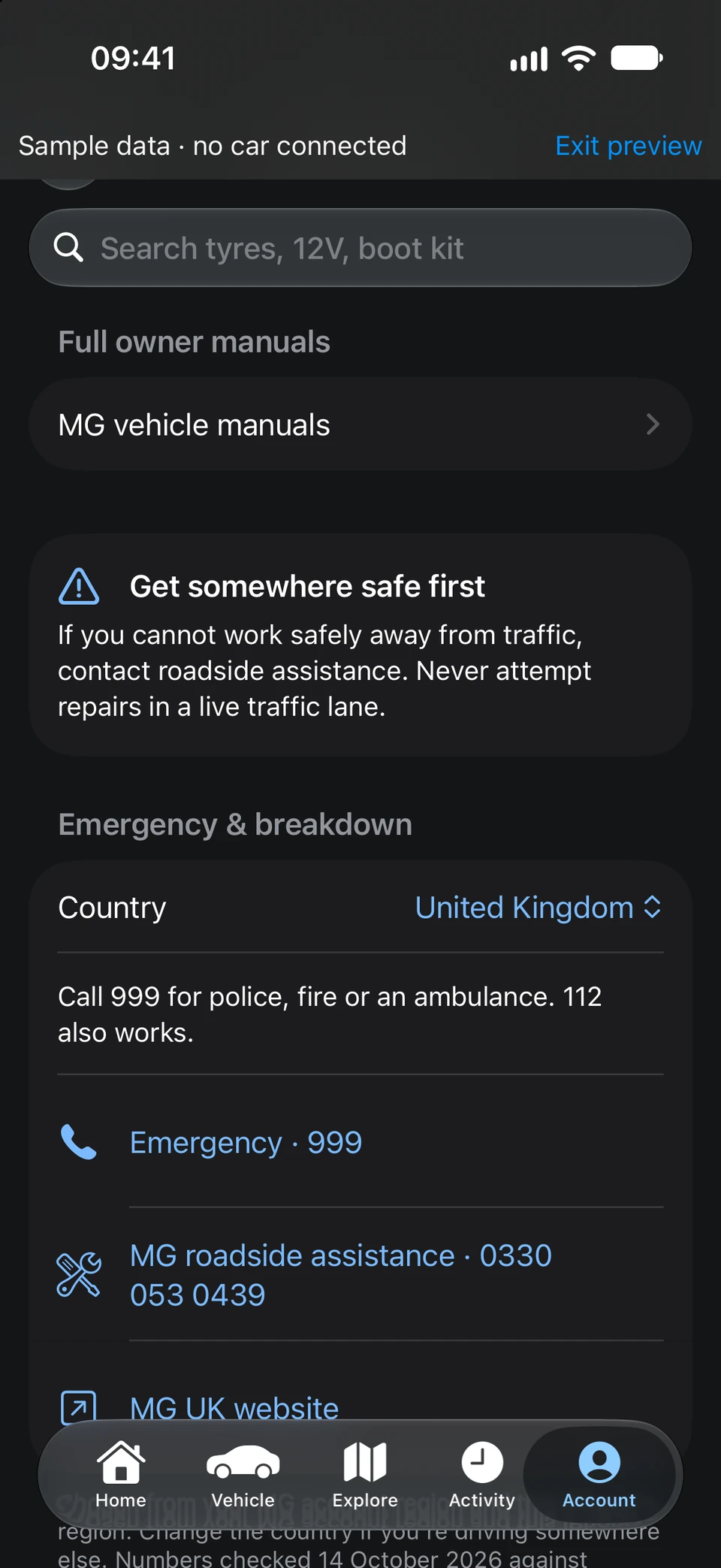
Step-by-step guides for the boot kit, tyres and 12 V battery, based on official MG manuals and saved for use offline. Emergency and MG roadside numbers for the country you’re driving in are a tap away.
- Guides that work offline
- Emergency and breakdown numbers
- MG owner manuals
Check guidance against your own handbook. In an emergency, call the emergency services.
From the app
Siri & Shortcuts
Just ask Siri.
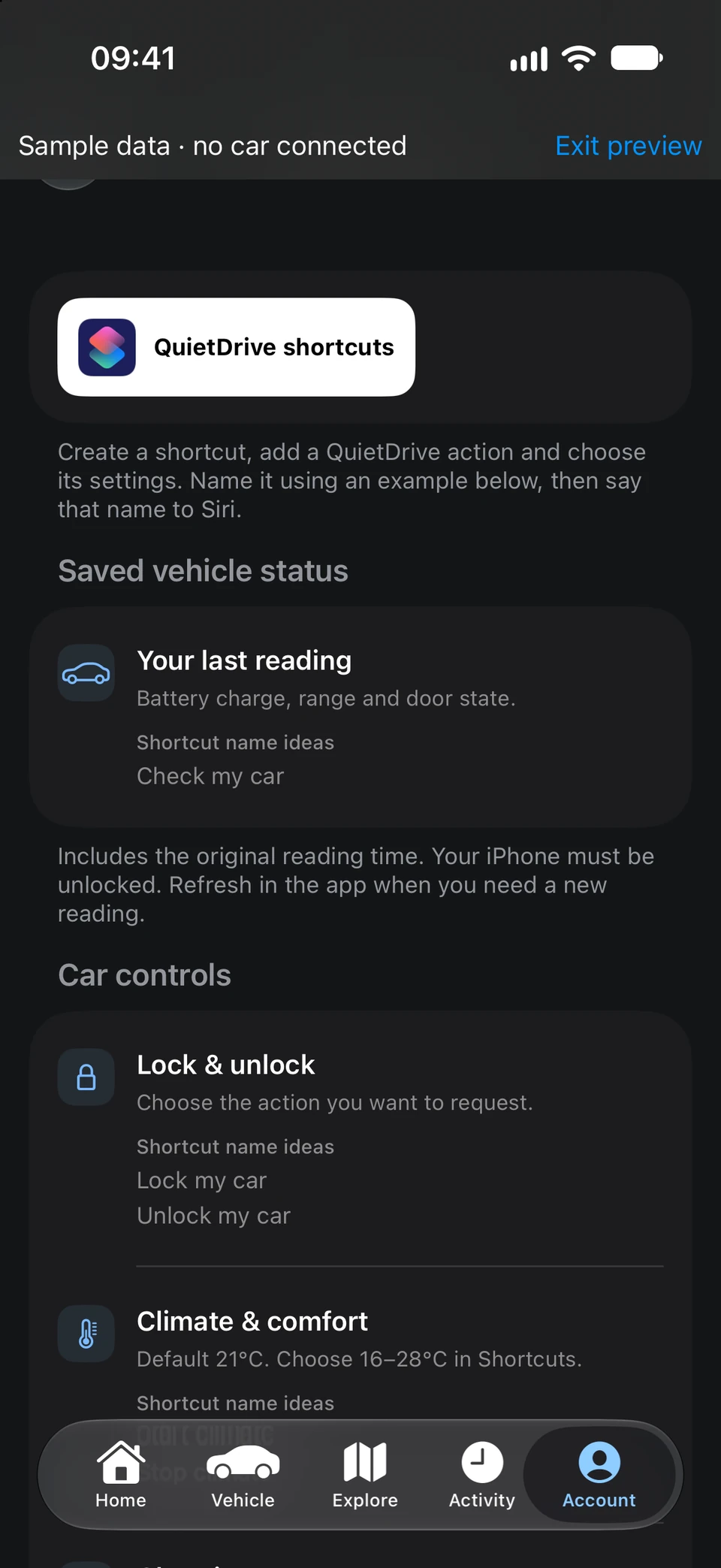
Check your last reading, lock or unlock, or get the cabin comfortable with Siri and the Shortcuts app. Build your own routines; locking and unlocking always need Face ID.
- “Check my car” with Siri
- Climate and charging shortcuts
- Face ID for every lock and unlock
Controls depend on your car and region and can wake the car.